
The purchase and activation process takes place inside your Malleable Software account. One paid MS Reach purchase permits one licence generation for one computer.
- 1
Purchase an MS Reach plan
Choose a 6-month, 1-year or 2-year licence. Checkout requires a customer account and acceptance of the installation and usage terms.
- 2
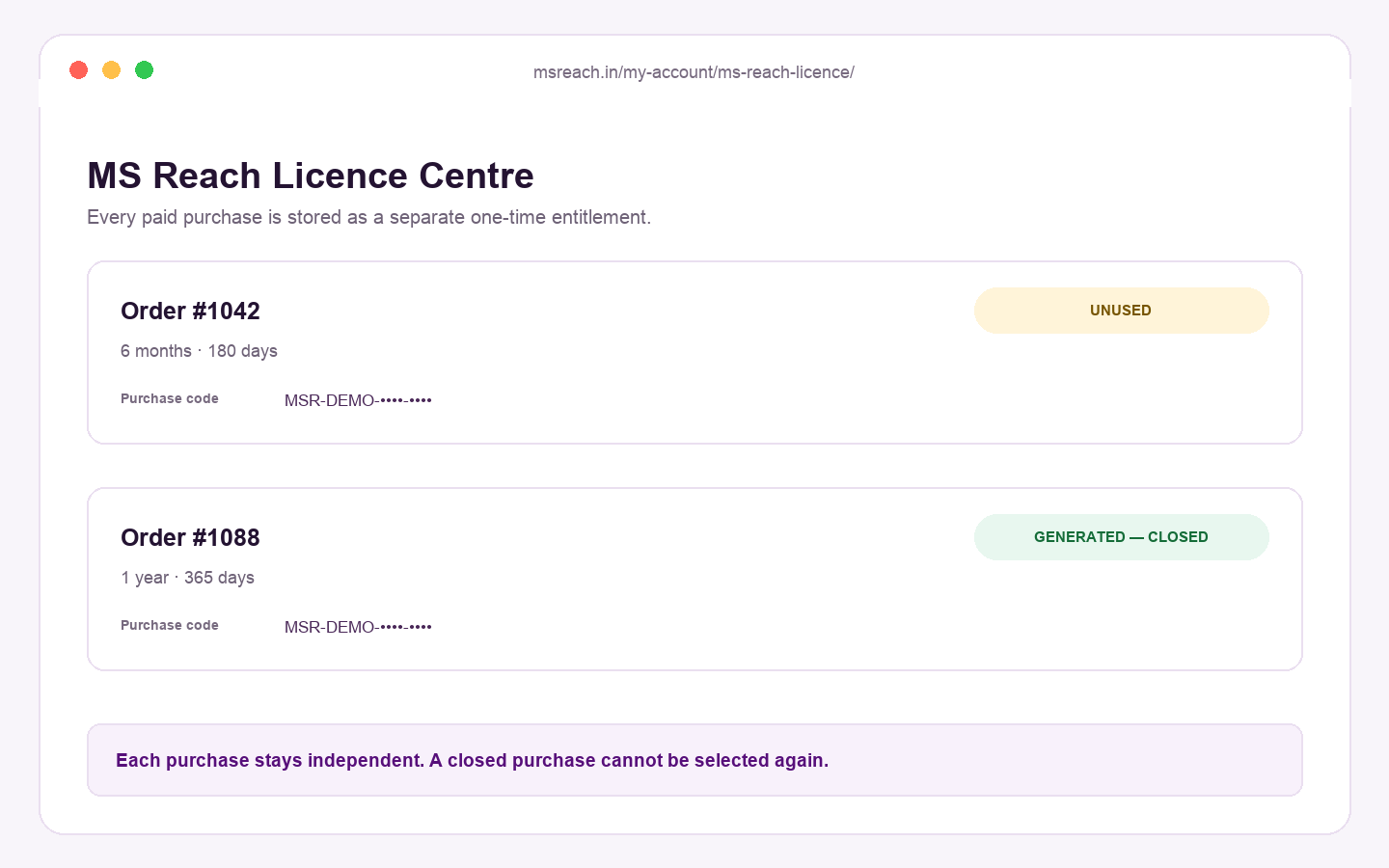
Open your Licence Centre
After successful payment, the order and purchase code are stored in My Account → MS Reach Licence.
- 3
Copy the machine code from the application
Install MS Reach on the computer you intend to use. Copy the entire machine code exactly as shown by the application.
- 4
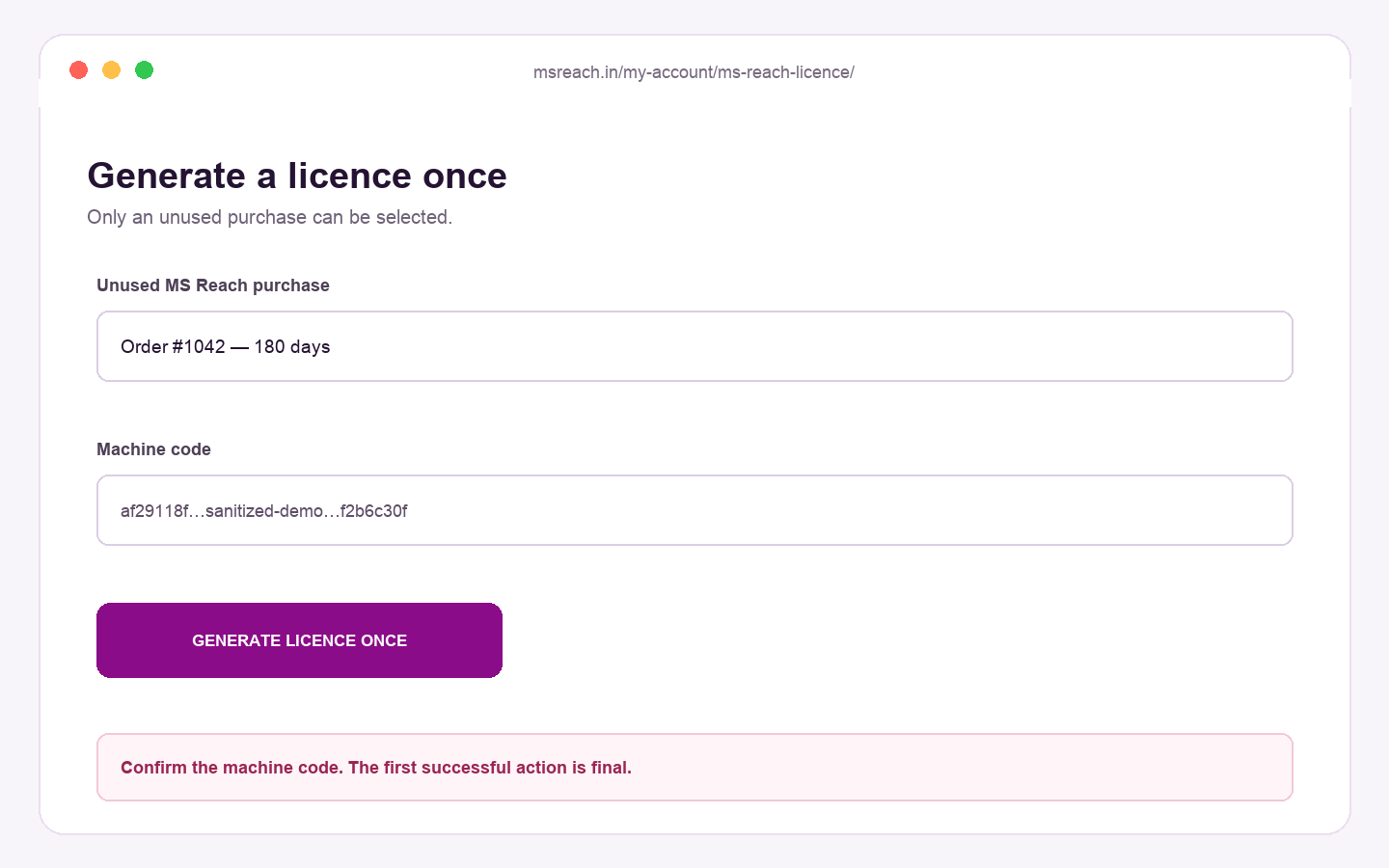
Generate the licence once
Select the unused purchase, paste the machine code, accept the terms and submit once.
- 5
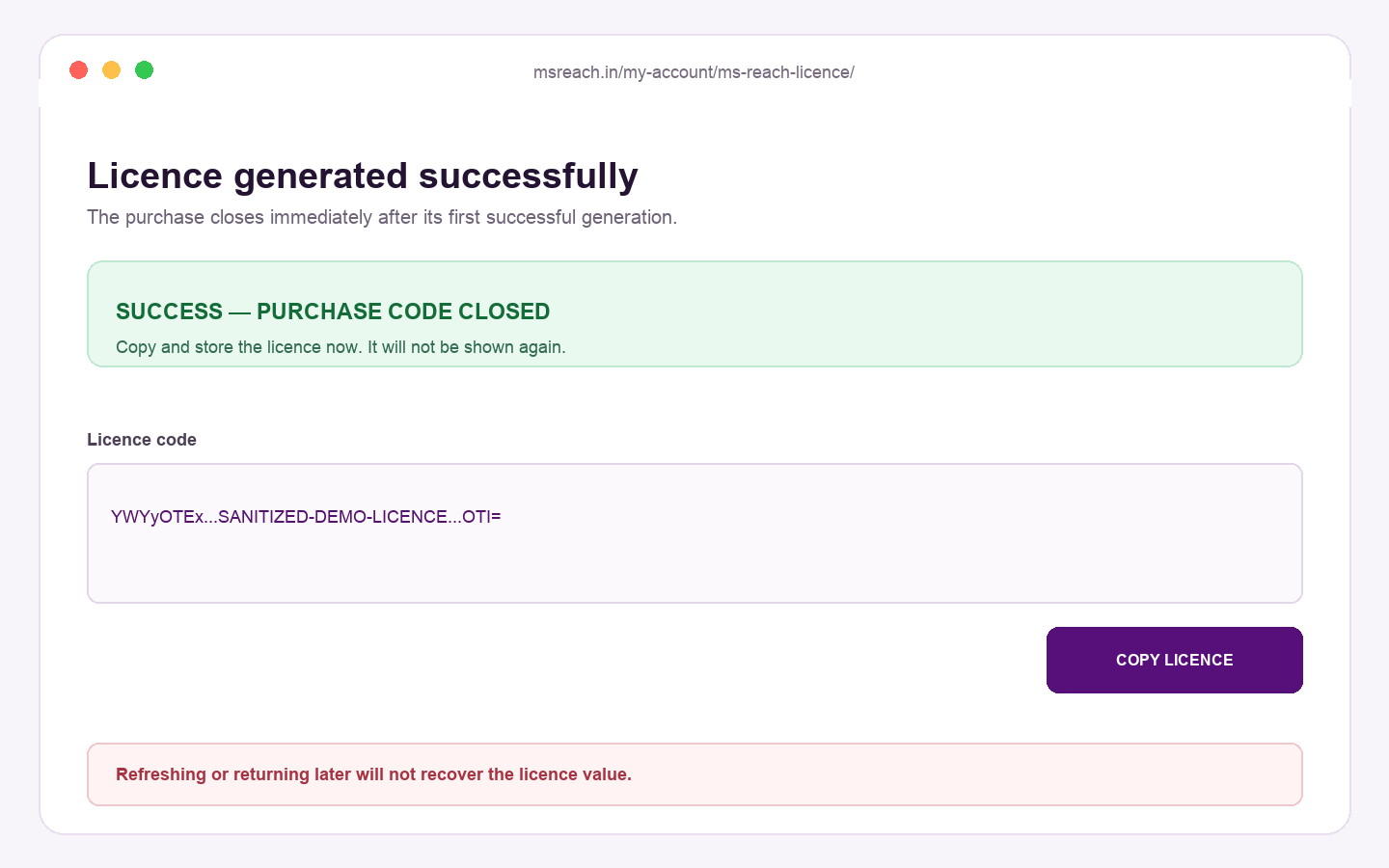
Copy and store the result immediately
The licence is displayed once and the purchase is permanently closed. Copy it into MS Reach and store it securely.
Need help before generation? Email support@msreach.in. Support cannot recover or regenerate a completed licence.